Workout builder
Build a program once.
Deliver it in one click
A canvas calendar for program design: type a workout, pull exercises from your own video library, add rest days — then assign the whole block to a client with a start date.
Included on every plan · Free for life for our first 100 coaches
Why we built it
Your programming deserves better than a spreadsheet
So we built a program editor that works at the speed you think — and ends inside the client's app, not in their downloads folder.
Programming in a spreadsheet
- Exercise names with no technique videos attached
- Copy-paste errors creeping in between clients
- A PDF export the client scrolls once and loses
- Another hour of formatting for every new client
One canvas editor: built once, assigned in a click, opened as a real app on the client's phone.
The program builder
From a blank calendar to an assigned program — in under a minute
Programs are built on a canvas of days. Click a day, type a workout, and pull exercises straight from your library — each one arrives with your technique video attached. Add rest days, hit save, and assign the block to a client with the start date you choose.
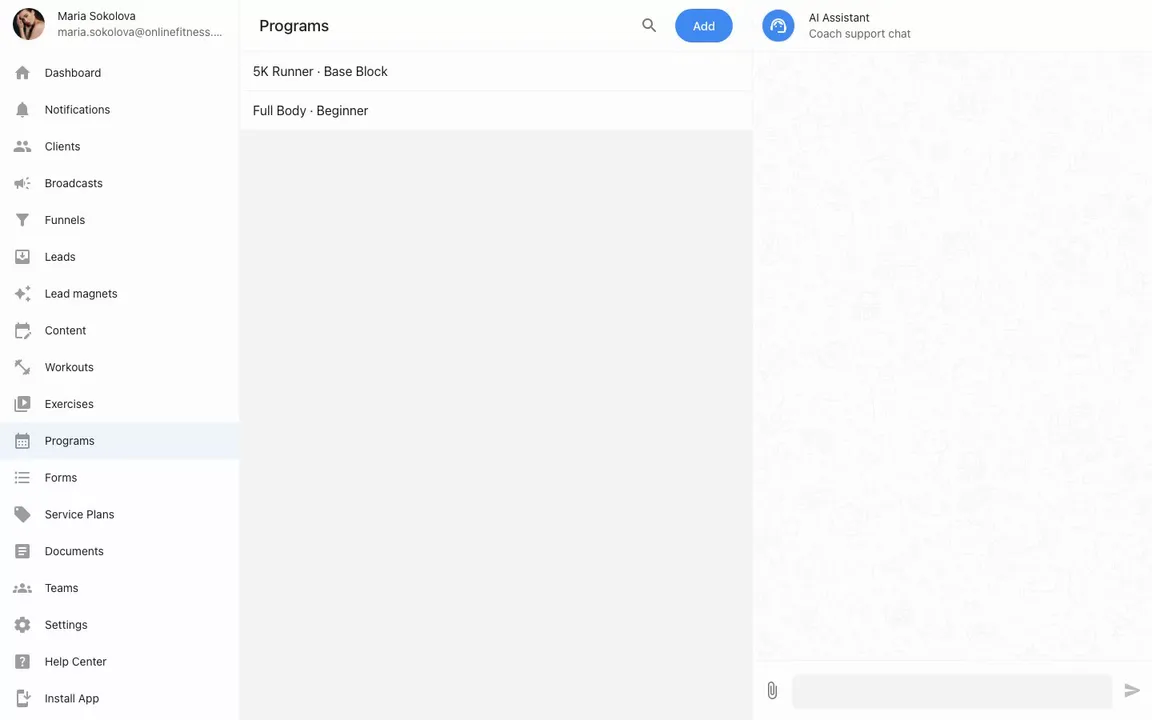
Recorded in the real product — a lower-body block built, saved, and assigned to a client in one take.
Built for program design
Everything a training block needs, nothing a spreadsheet drags in
Edits at typing speed
Everything happens inline on the canvas — no modal windows, no page reloads. Undo and redo cover every step, and copy/paste moves whole days and workouts around the plan.
Your library does the heavy lifting
Start typing an exercise name and your library completes it — with your technique video, instructions and settings attached. Build the library once, film each movement once.
Built in weeks, read in weeks
The canvas lays the block out in seven-day rows under real weekday columns — so the rhythm of a training week reads at a glance, not from a flat list.
Recovery is part of the plan
Add rest days as real entries, not empty gaps. Clients see the full rhythm of the week — train, train, recover — instead of wondering if you forgot a day.
Assign with a start date
Pick a client, pick a date, done. Day 1 lands on that date and the whole program rolls out onto their real calendar automatically.
One program, every client
The program stays in your library as a template. Assign it to the next client — and the next — without rebuilding anything.
Prefer to delegate?
Or don't build it by hand at all
The canvas is the fast manual way. There are two even faster ones.
Ask the AI assistant
Describe the client and the goal in chat — the assistant drafts a complete training plan straight onto their calendar, pulling exercises from your library, rest days included. You review and adjust.
Meet the AI assistantBring your own AI via MCP
Already live in Claude or ChatGPT? Connect your coaching account over MCP and your AI can create program templates, fill their days with exercises, and assign them to clients — right from the conversation you're in.
See how MCP worksAfter the assign
Every client gets a live calendar — not a frozen PDF
An assigned program becomes real workouts on the client's calendar. From there you coach the individual: drag workouts between days, edit exercises in place, group movements into supersets — the client's app updates instantly.
The template stays untouched in your library, ready for the next client.
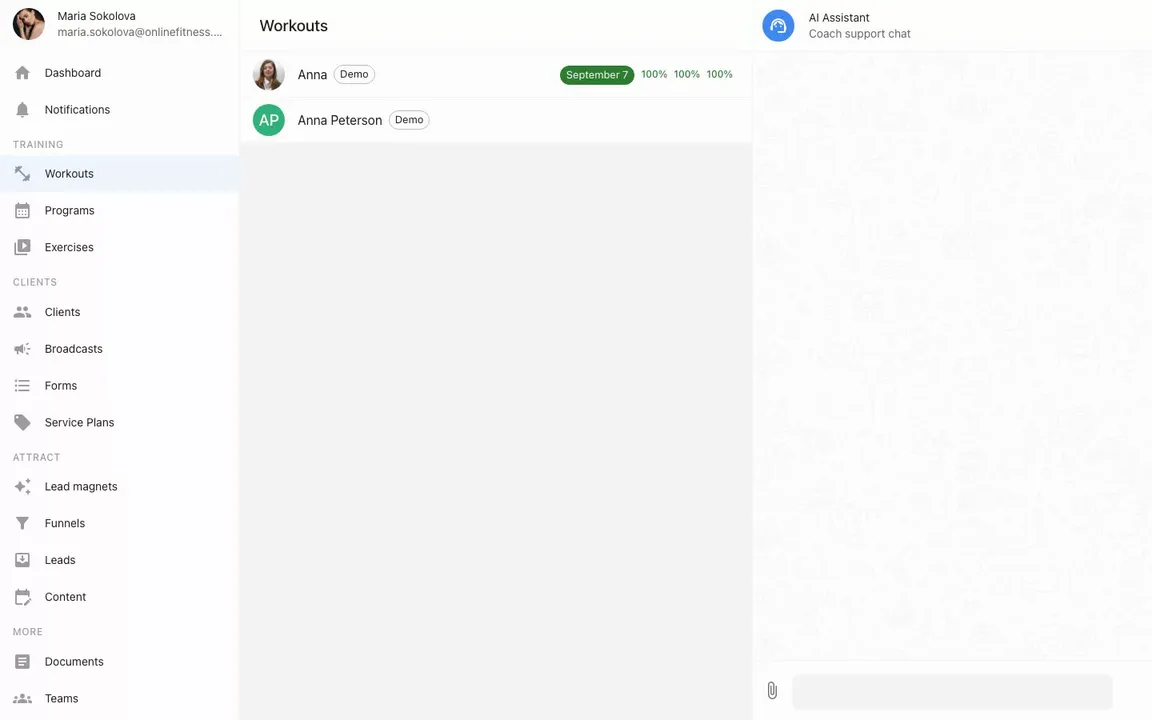
Recorded in the real product — a client's week fills with workouts live, next to the exercise library.
On the other side of the assign button: a real client app
Your program opens on the client's phone as a video-first workout: your technique clips, your instructions, sets and reps to check off — and a chat with you one tap away. iOS, Android, or straight in the browser.
See the client appQuestions coaches ask
Can I reuse one program for many clients?
Yes — that's the point. A program is a reusable template: build it once, then assign it to any client with their own start date. Each client gets their own copy on their calendar, so you can still tweak it per person afterwards.
Do I have to re-enter exercises every time?
No. Your exercise library autocompletes as you type — pick an exercise and its video, instructions and settings come along. You film each movement once and reuse it in every program.
Will my clients see how to perform each exercise?
Yes. Every exercise you attach from the library carries its technique video into the client app. Clients watch your video right inside the workout, next to sets, reps and your instructions.
What happens after I assign a program?
The program's workouts are copied onto the client's real calendar starting from the date you picked. From there you can adjust individual weeks in the client's calendar — drag workouts between days, edit exercises, group supersets — and the client sees changes instantly in their app.
Can AI build the program for me?
Yes, two ways. The built-in AI assistant drafts a complete training plan straight onto a client's calendar from a chat message — using exercises from your library, rest days included. And if you use Claude or ChatGPT, connect them to your coaching data via MCP and they can create reusable program templates and assign them for you.
Can I plan rest days?
Yes — rest days are first-class entries in the builder. They show up on the client's calendar like any other day, so the week reads as a complete plan.
What does it cost?
The workout builder, programs, and the exercise library are included on every plan. Our first 100 coaches get the whole platform free for life; after that it’s free for 3 clients, then a flat $49/month.
The next program you build should outlive the spreadsheet it replaces.
Film your library once, build the block on the canvas, and assign it to every client who needs it — starting tonight.
Start free