The Online Fitness Coach Handbook
Filming your exercise library
Updated August 2026 · 8 min read
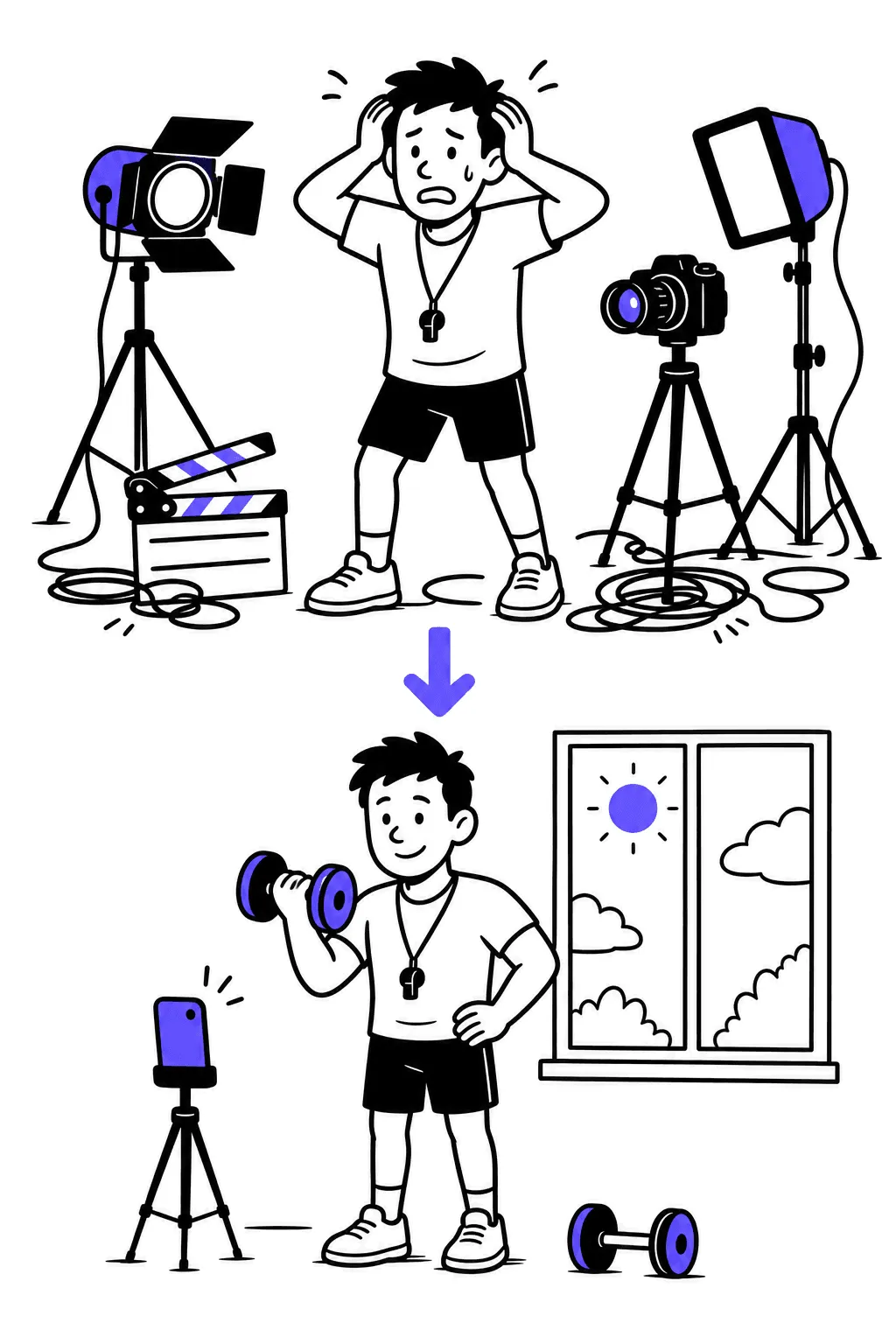
The short version. Your exercise library is a filming weekend, not a production project. A phone, a window, a corner of a gym or garage, and a batch plan: 40–80 demos in two sessions. Clear beats cinematic — clients need to see the movement, not a montage.
The standard nobody tells you
Watch the demo videos in the seed libraries of the biggest coaching platforms: fixed camera, plain background, one lift, 20–40 seconds, no music, no jump cuts. That's the industry standard because it works — a client mid-workout needs to check grip and depth in four seconds, not admire color grading. Your bar is exactly that: can a tired client, phone propped against a water bottle, instantly see what to do?
- Your phone is enough. Any phone from the last five years shoots better video than half the industry's stock content.
- Daylight is enough. A big window beats a ring light; a garage door open at 10am beats both.
- Your normal clothes are enough. You're a coach demonstrating a hinge, not auditioning.
The batch method
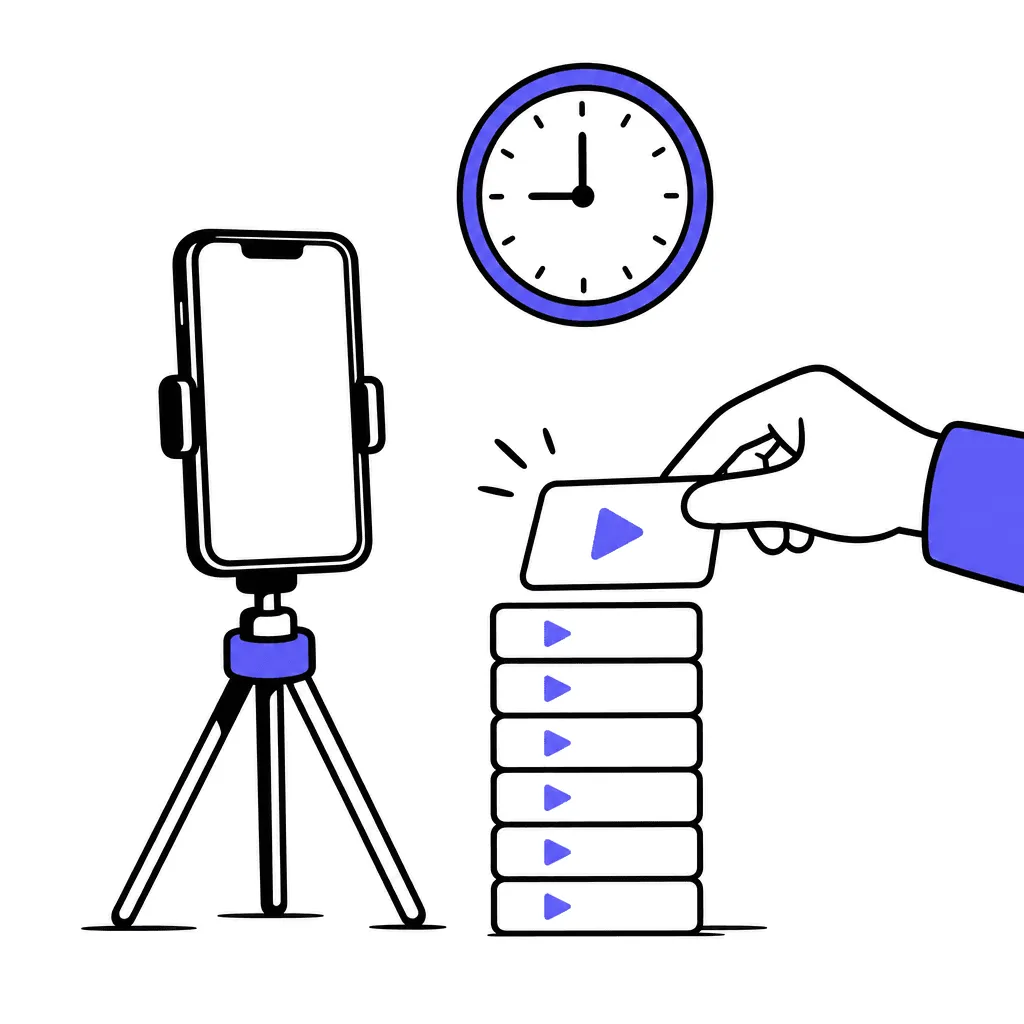
Filming 100 exercises one at a time takes a year. Batching takes a weekend:
1. List first
Export your master exercise list — the 40–80 movements your programs actually prescribe. Group by equipment: all dumbbell work together, all band work, all bodyweight.
2. One setup per group
Camera on tripod, frame checked once — full body visible, feet in frame — then run the whole group without touching the camera. Setup time is what kills batches; change setups as rarely as possible.
3. Two angles only where it matters
Most movements need one angle. Hinges and squats earn a side view. Resist the third angle; nobody watches it.
4. Say the cues out loud
One take, talking: your two or three real cues, the ones you say on the floor. Clients hear you — which no stock library ever gives them, and it's why filming your own beats licensing someone else's perfect footage.
5. Name as you go — or don't
Modern platforms draft titles and tags with AI on upload; if yours does, filming order doesn't matter. If not, film in list order and naming stays sane. Either way, the next chapter is about getting the pile into a platform without losing a week.
Good enough, shipped
The library that exists beats the library you're reshooting. Practitioners' consensus: re-record the worst five later, when paying clients actually watch them — not all hundred before anyone does. Version one is allowed wind noise in two clips and a wobbly frame in one. Nobody churns over that; they churn over programs that point at nothing.
One trap deserves respect, though: filming without a list. Freestyle filming produces 60 clips of your favorite movements and zero of the boring ones your programs actually need — warm-ups, regressions, the third hamstring option. The list is the workout; the filming is just reps.

What not to do
- Don't buy a camera. Or lights, or a microphone, for version one. Gear is procrastination with a receipt.
- Don't license a stock exercise library. Clients hire your coaching; a stranger demonstrating lunges quietly tells them any coach would do.
- Don't film in a busy gym at 6pm. Awkward, unusable audio, and you'll rush. Off-hours or home.
- Don't chase completeness. Film what your current programs use. The long tail gets filmed the week a program first needs it.
FAQ
How many exercises do I actually need?
Count the distinct movements in your last ten programs — typically 40–80. Film those. A 300-video library is a vanity metric.
Vertical or horizontal?
Vertical. Your clients watch on phones, in a training app, between sets. Horizontal is for YouTube, which this library is not.
Should I put my logo or an intro on the clips?
No. Every second before the movement starts is a second a mid-workout client waits. Your face and your cues are the branding.
Voiceover or text overlays?
Spoken cues, always — they survive every platform, cost nothing, and sound like you. Text overlays are editing work that version one doesn't need.
Previous: How much to charge · Next: Your video library is the hostage