The Online Fitness Coach Handbook
Your video library is the hostage
Updated August 2026 · 9 min read
The short version. The real reason coaches stay on software they hate isn't the contract — it's the 150 exercise videos they uploaded one rainy weekend. Moving your library is not a month of work. Done in the right order, it's an afternoon.
The hostage situation
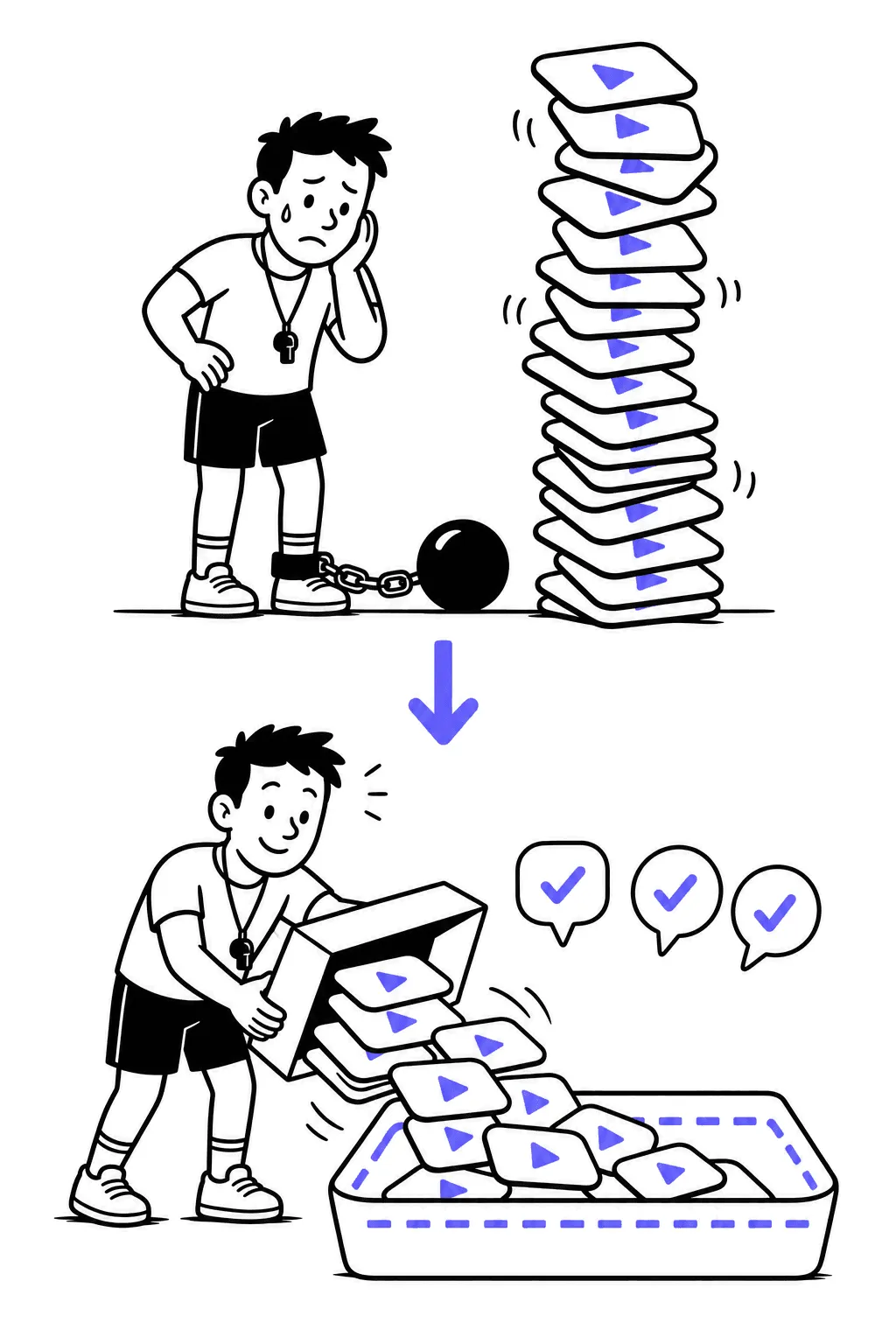
Nobody loves their coaching platform into year three. Coaches stay anyway, and when you ask why, the honest answer is almost never about features:
“The main reason I've stayed is that it took me such a long time to add my videos.”
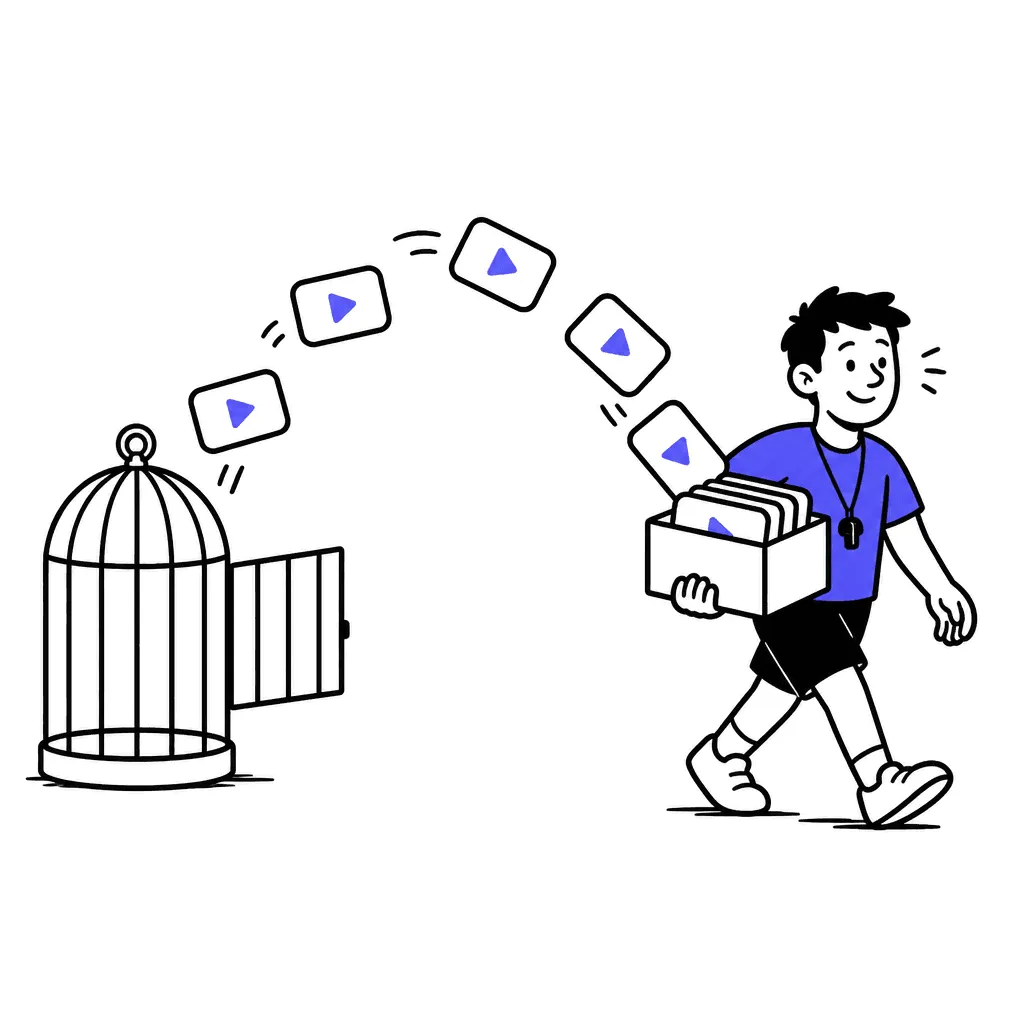
That's not a moat of quality. That's a moat built from your own labor. Platforms know it: import is tedious everywhere, export is usually worse, and every hour you spend uploading makes leaving feel more expensive. The videos are the hostage; the ransom is another year of a subscription you complain about in group chats.
The math nobody does out loud
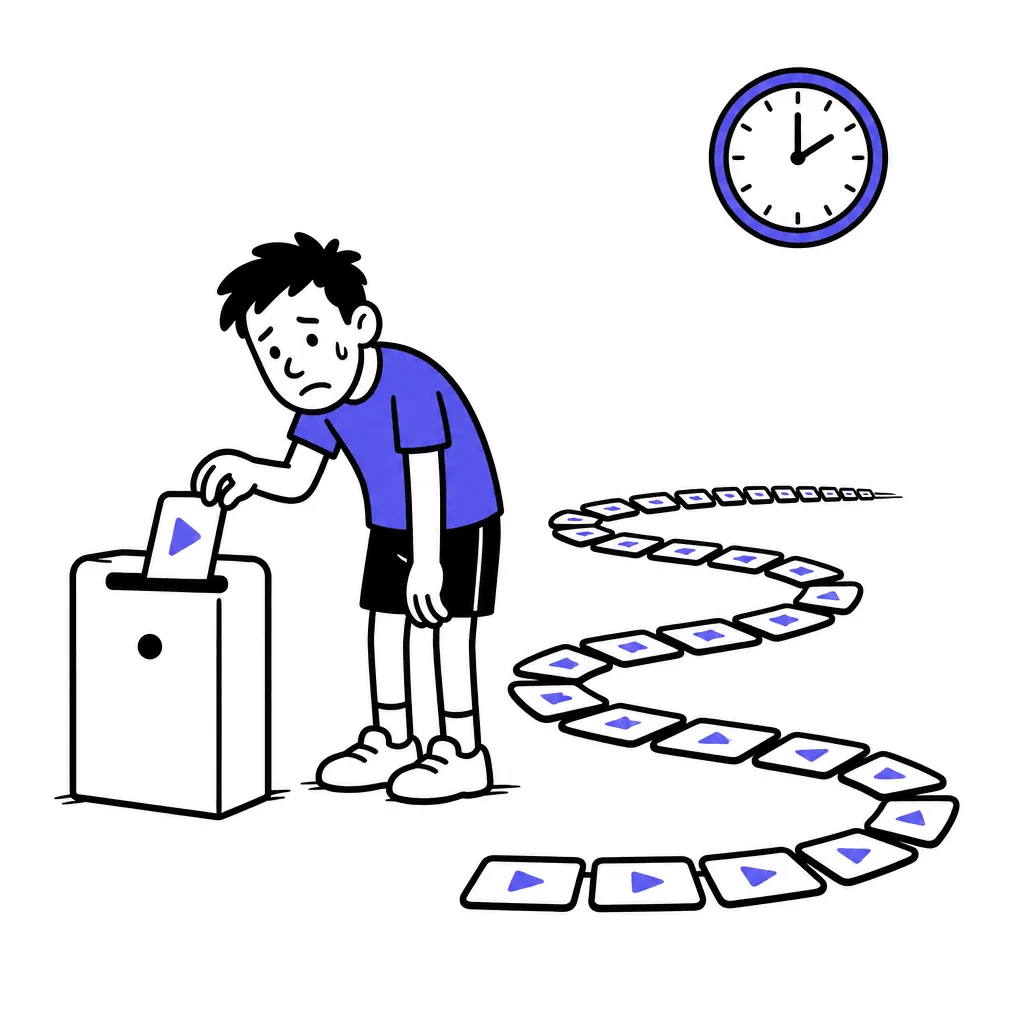
Moving a library one file at a time costs, per exercise: upload, wait, type the name, write a description, add tags, save. Three to five minutes if you don't get distracted. Now multiply — and don't forget the archaeology: “where is that split squat video — WhatsApp? camera roll? the old laptop?”
That number is what keeps people hostage. It's also mostly obsolete: bulk upload plus AI-drafted metadata turns two working days into minutes of machine time and one human review pass. Try it:
The great library move
One by one, that's ≈ 8 hours of pure clicking.
Or drop the whole folder at once
The right order (an afternoon, not a month)
1. Collect your originals first
Camera roll, Google Drive, the old laptop. Check whether your current platform has any export at all — many don't, and that's fine: your original files are almost always better quality than whatever the platform would let you re-download.
2. Upload everything in one go
Drag the whole folder. Modern uploaders take a pile of files in parallel; anything that makes you feed videos in one by one is telling you something about the next five years.
3. Let the machine draft, then do one human pass
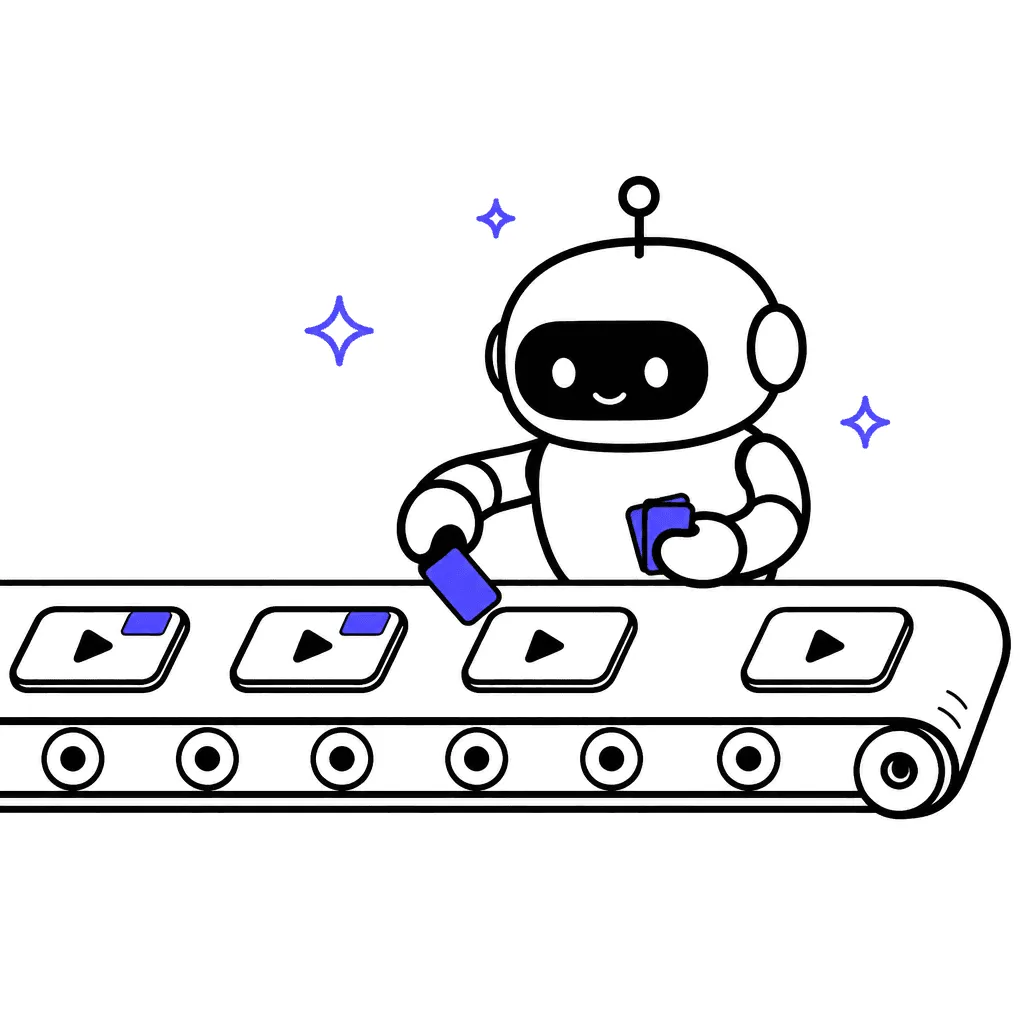
AI can name a goblet squat and tag it “legs, dumbbell” without your help. What it can't do is know that you always cue “knees out” — that's your one review pass. You're the coach; the robot is the intern.
4. Only then move programs and clients
Library first, clients second, never both in the same week. A client should land in a furnished apartment, not a moving truck.
What not to do
- Don't re-record 150 videos for a “fresh start.” Your old demos are fine. Re-record the five worst ones later, when paying clients are watching them.
- Don't migrate with clients in flight. Pick a quiet week, keep the old platform alive for one overlap month, move people in small batches.
- Don't polish metadata to perfection before anyone's watching. AI draft plus one pass is enough; refine individual exercises as clients actually use them.
- Don't let a renewal date panic you into staying. Check when your contract actually renews and plan the move backward from that date — calmly, not the night before.
The bar to hold any platform to
Full disclosure: this handbook is published by a platform, and yes, ours does the thing this chapter describes — you drop a pile of video files, they upload in parallel, get transcoded for mobile, and AI drafts the titles, descriptions and tags for you to edit before publishing. But the point is bigger than us: if moving in takes more than an afternoon, it's not your new home — it's your next hostage-taker. Hold whatever you pick to that bar, and check the exit too: can you get your files back out?
FAQ
Can I bulk-export videos from my current platform?
Often no — check settings for a downloads or export section. If there isn't one, use your original files instead; they're usually higher quality than platform re-downloads anyway.
Do I have to re-record my videos?
No. Clients care that the demo is clear, not that it's new. Re-record the worst five after the move, not all 150 before it.
How long does the move actually take?
With bulk upload and AI metadata: an afternoon for a ~100-exercise library, most of it machine time. Plan a month of overlap for moving clients comfortably.
Should I move my library or my clients first?
Library first, always. Programs need exercises to point at; clients need programs. Reverse the order and everyone's standing in an empty apartment.
Previous chapter: Filming your exercise library · Next chapter: Your tech stack (and why it doesn't matter much)