Equipment Measuring and tracking
Fitness tracker
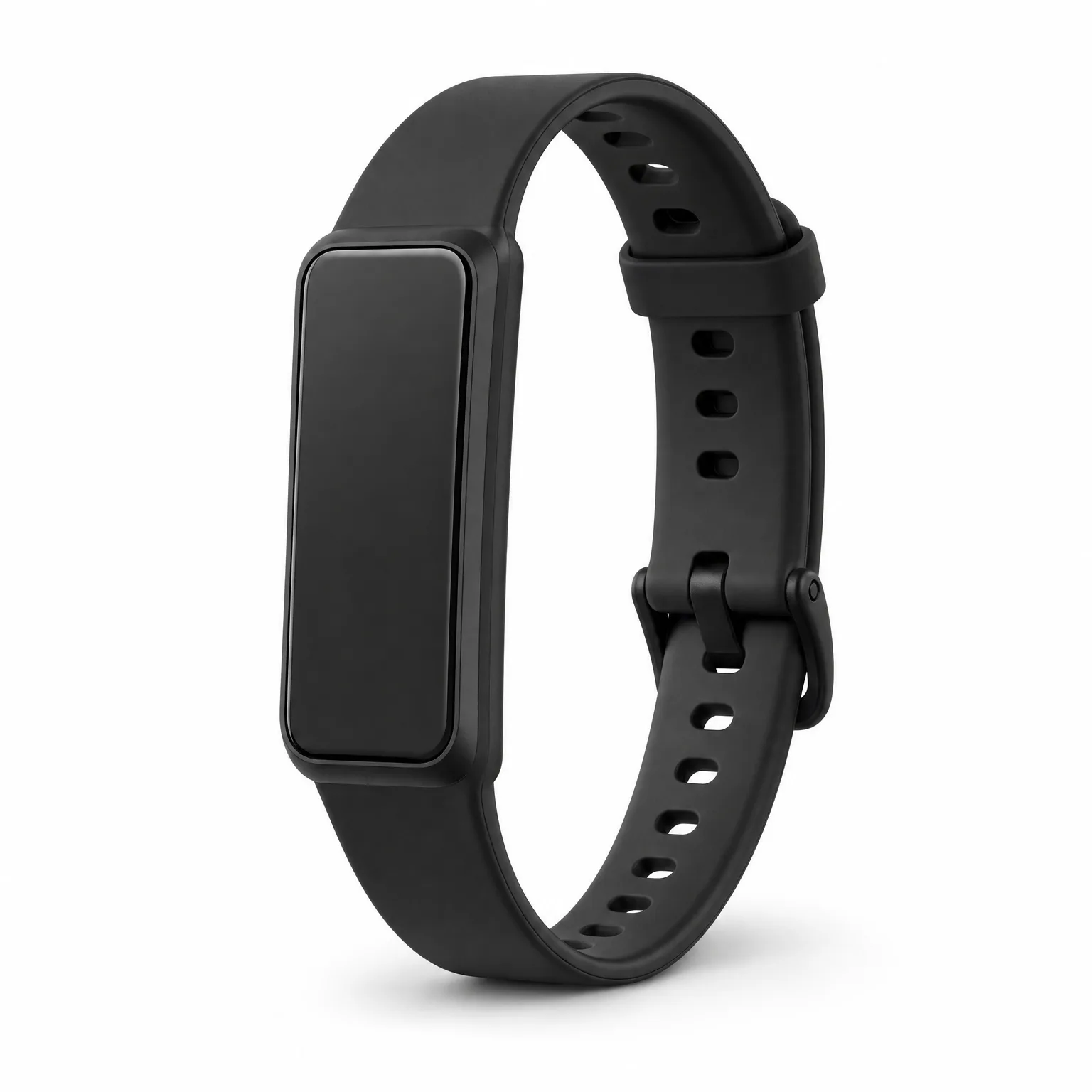
A wrist-worn band or watch that counts steps, logs workouts and estimates heart rate and sleep all day. Good for trends, approximate for detail.
In short
A fitness tracker is a band or watch worn on the wrist that records movement and body signals through the day. A motion sensor counts steps and detects activity. An optical sensor on the back shines light into the skin to estimate heart rate. Many models add GPS for distance and pace, and nearly all send the data to a phone app.
Its strength is that it is always on: it shows how much you move on ordinary days, logs every workout and builds a history without effort. Its numbers vary in quality. Step counts and steady-state heart rate are reasonably good. Calorie figures, sleep stages and scores for recovery or stress are estimates. A chest strap heart rate monitor does one job, exercise heart rate, and does it more reliably.
- Category
- Measuring and tracking
- Where
- Home, Gym, Outdoors, Travel
- Level
- Beginner and up
- Space
- Fits in a drawer or a bag
- Typical sizes
- Bands are about 15–25 mm (0.6–1 in) wide; watch cases run roughly 38–50 mm (1.5–2 in) across
- Also called
- activity tracker, fitness band, fitness watch, smartwatch, step counter, sports watch, activity band, pedometer
What it is used for
- Counting daily steps and active minutes
- Logging workouts with time, heart rate and, with GPS, distance and pace
- Following resting heart rate and sleep duration over weeks
- Timers, interval alerts and lap splits on the wrist
- Sharing activity data with a coach or a training app
Types
Fitness band. A slim band with a small screen. Covers steps, heart rate, sleep and basic workout logging, with long battery life.
Smartwatch. A full watch with apps, notifications and payments alongside fitness tracking. Battery life is usually one to a few days.
GPS sports watch. Built around running, cycling, swimming and other sports, with physical buttons, detailed training data and support for external sensors.
Smart ring. A sensor ring worn on a finger. Focused on sleep and resting measures, with no screen and limited use during gripping exercises.
Clip-on pedometer. A simple step counter worn on the waistband or carried in a pocket. No heart rate, very long battery life.
How to choose
Start from what you want to know
For daily steps and general activity, a basic band is enough. For running or cycling with pace and distance, look for built-in GPS. For gym training, comfort under a flexed wrist and easy start and stop matter more than a long list of sport modes.
Battery life you can live with
A tracker only helps while it is on your wrist. If you want sleep data, a device that needs charging every night is awkward. Bands last a week or more, most smartwatches one to three days, and GPS use shortens all of these.
Check what works with your phone
Some watches work only with one phone system, and apps differ in how well they share data. If you work with a coach or use a training app, check that it can read data from the device.
External sensor support
If you do interval training, check that the watch can pair with a chest strap or armband. That lets you keep the watch for logging and swap in a more reliable heart rate source when it matters.
Fit and comfort
The device has to sit flat and snug on the wrist all day and night. A case that is too large for your wrist lets light in under the sensor and makes readings worse.
How to start using it
- Wear it snug, above the wrist bone. Place the tracker about a finger's width above the wrist bone, on the arm side. It should not slide when you shake your hand. Tighten it by one notch for workouts and loosen it afterward.
- Set up your profile. Enter your age, height, weight and sex in the app. Distance, energy and heart rate zone estimates are calculated from these, so wrong inputs produce wrong outputs.
- Find your baseline first. Wear it for one or two ordinary weeks before setting goals. Then raise your daily step target in small steps from your own average, not from a round number.
- Start and stop workouts yourself. Choose the activity type and press start. Automatic detection misses the beginning of sessions and often mislabels strength training. Manual logging gives a cleaner record.
- Look at weeks, not days. Weekly step averages, resting heart rate over a month and total training time show real change. Day-to-day differences in sleep or readiness scores are within the noise of the sensors.
Common mistakes
Treating calorie numbers as measurements
Energy burned is estimated from heart rate, movement and your profile. Studies comparing wearables with laboratory measurements find large errors that vary by activity and by person. Do not adjust your food intake to match the daily figure.
Trusting wrist heart rate in every exercise
Optical sensors struggle when the wrist bends, the forearm tenses or the arm swings sharply: kettlebell work, lifting, rowing, intervals. Readings can lag or lock onto your movement rhythm. Use a chest strap when the number matters.
Wearing it loose
A band that slides lets outside light reach the sensor and breaks skin contact. Most odd readings during exercise come from fit. Tattoos, cold skin and wrist hair under the sensor can also reduce accuracy.
Letting a score overrule how you feel
Readiness, recovery and stress scores are built from a few signals and a maker's own formula. They can be a useful prompt. If the score says rest and you feel good, or the reverse, your own sense of things is valid evidence too.
Reading sleep stages as fact
Total sleep time from a wearable is reasonably close for most people, though it often runs a little high. The split into light, deep and REM sleep is an estimate from movement and pulse, and it is much less reliable.
What to use instead
A phone in your pocket counts steps and, with a running or cycling app, records distance and pace by GPS. A chest strap or armband heart rate monitor paired with that phone gives better exercise heart rate than a wrist device. A simple interval timer or stopwatch and a paper or app training log cover most of what a tracker records in the gym. None of these follow you through the whole day without effort, which is the tracker's real advantage.
-
Heart rate monitor
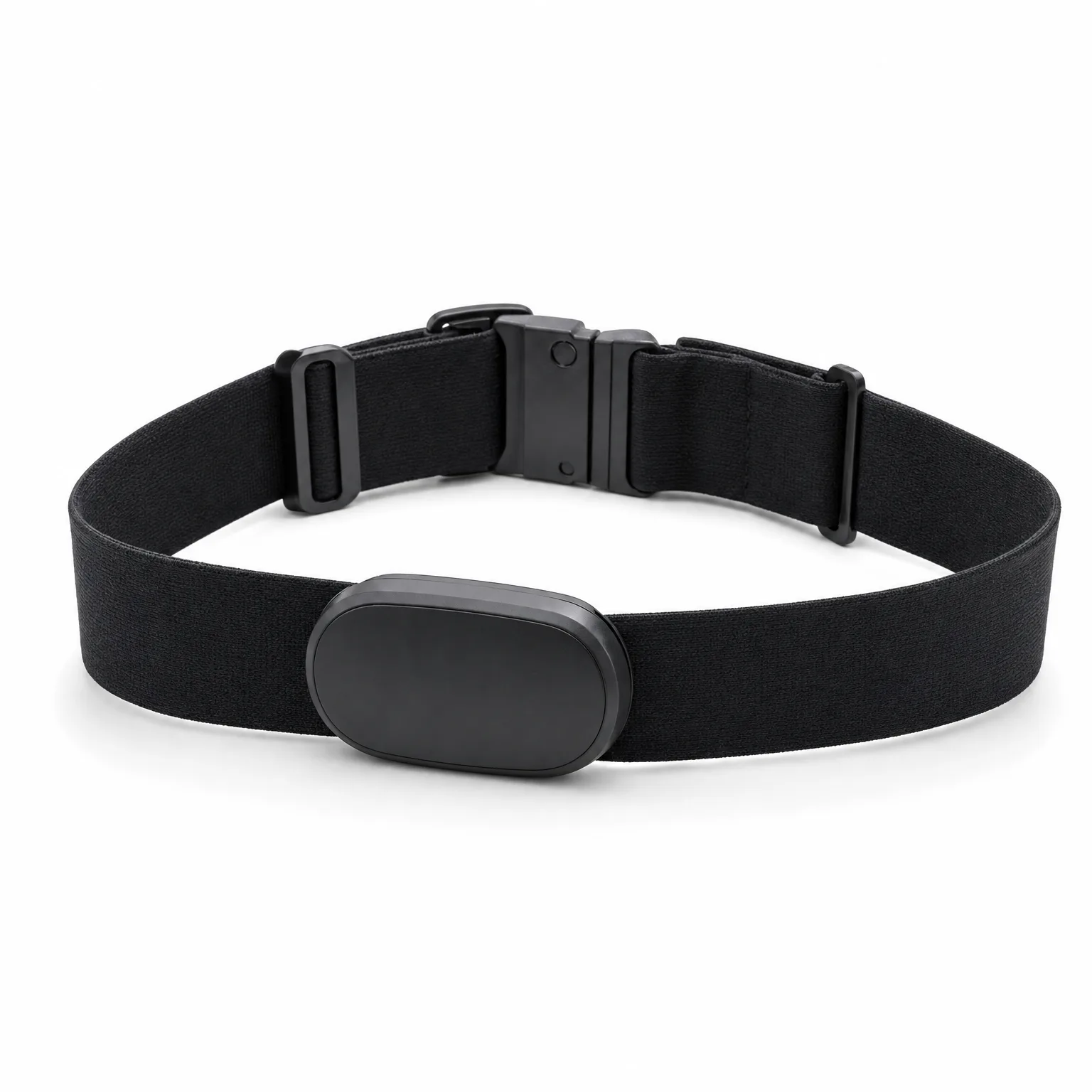
A chest strap or armband that measures heart rate during exercise and sends it to a watch, phone or cardio machine in real time. -
Interval timer
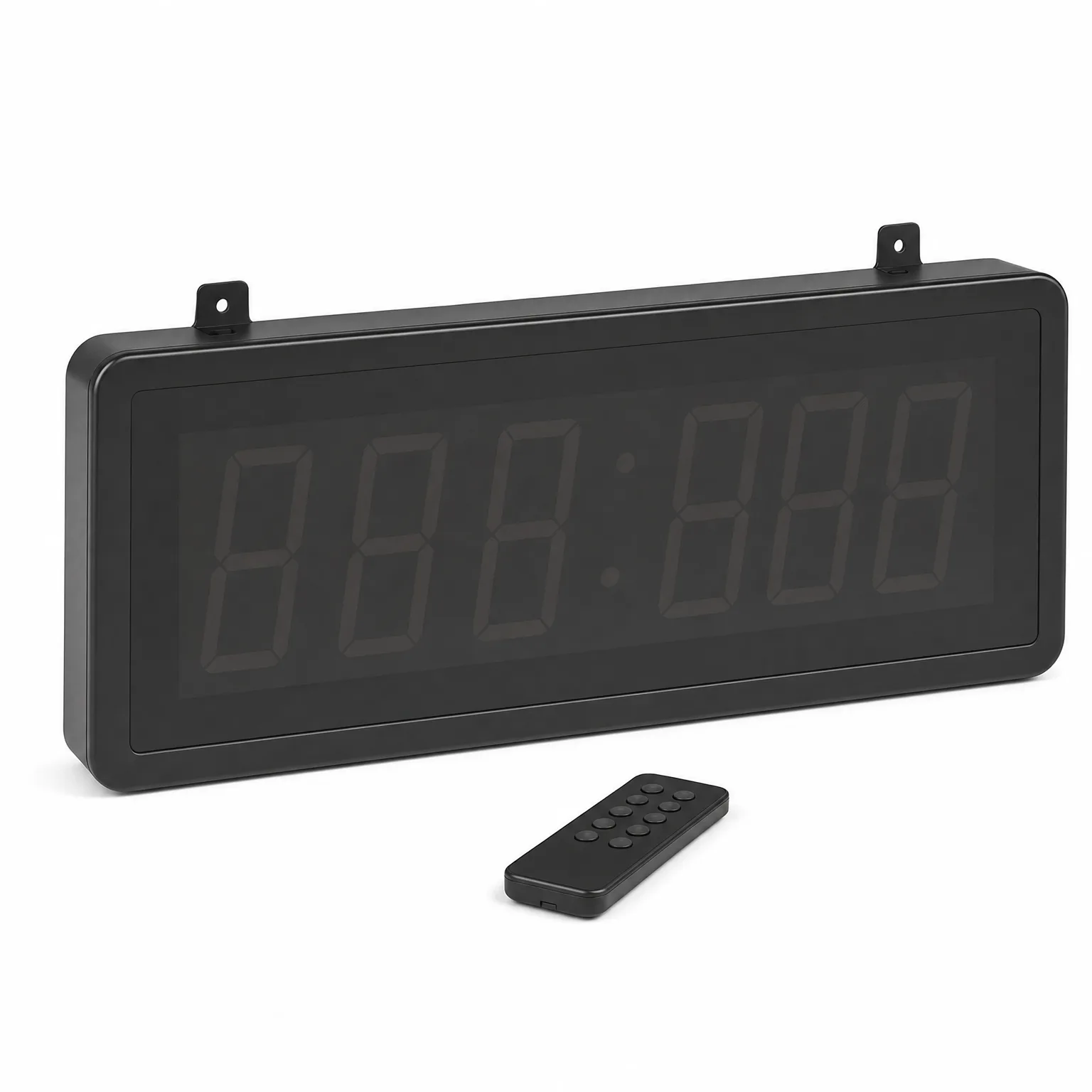
A wall clock or phone app that counts work and rest periods and signals each change, for tabata, EMOM, AMRAP, rounds and timed rests.
Often used with
Questions about fitness tracker
How accurate are fitness trackers?
It depends on the measure. Step counts are usually close during normal walking. Heart rate is good at rest and in steady efforts and less reliable in intervals and gripping exercises. GPS distance is good in open areas. Calorie burn and sleep stages are rough estimates. All of them are better for comparing your own days and weeks than as exact values.
Fitness tracker or chest strap heart rate monitor?
They do different jobs. A tracker records all-day activity, sleep and workouts in one place. A chest strap measures only heart rate during exercise, and does so more reliably. Many people use both: the watch for logging, with the strap paired to it for hard sessions.
Do I need 10,000 steps a day?
The 10,000 figure began as a marketing number, not a medical threshold. Research generally links more daily steps with better health outcomes up to a point, with benefits visible well below 10,000. A practical approach is to find your current average and add to it gradually.
Can a fitness tracker count calories burned accurately?
No. It estimates energy use from heart rate, motion and your profile, and the error can be large, especially in strength training and mixed activities. Use the figure to compare one of your days with another, not as a budget for eating.
Is a fitness tracker worth it for strength training?
It helps with rest timers, session length and a record that you trained. It does not measure the things that matter most in lifting, which are load, reps and how close to failure you worked. A training log does that better, on paper or in an app.
Build programs around what your client has
This guide comes from OnlineFitness.app, the app online coaches run their clients in.
Free for life for the first 100 coachesNo card